

Tap it. Done.
Log a habit, count a glass of water, start a focus timer, tick a task, or flip a flashcard, right on the Home Screen.
WATEROF 8
6
READ
54 days
Coming soon to the App Store
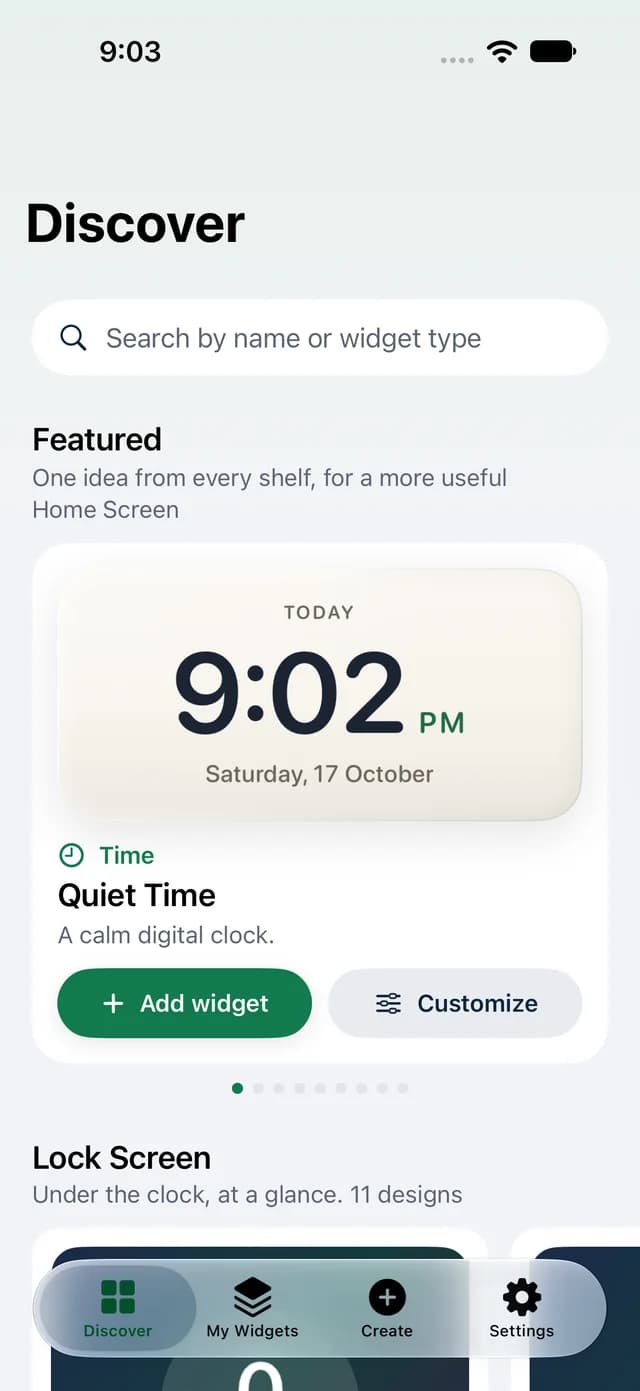
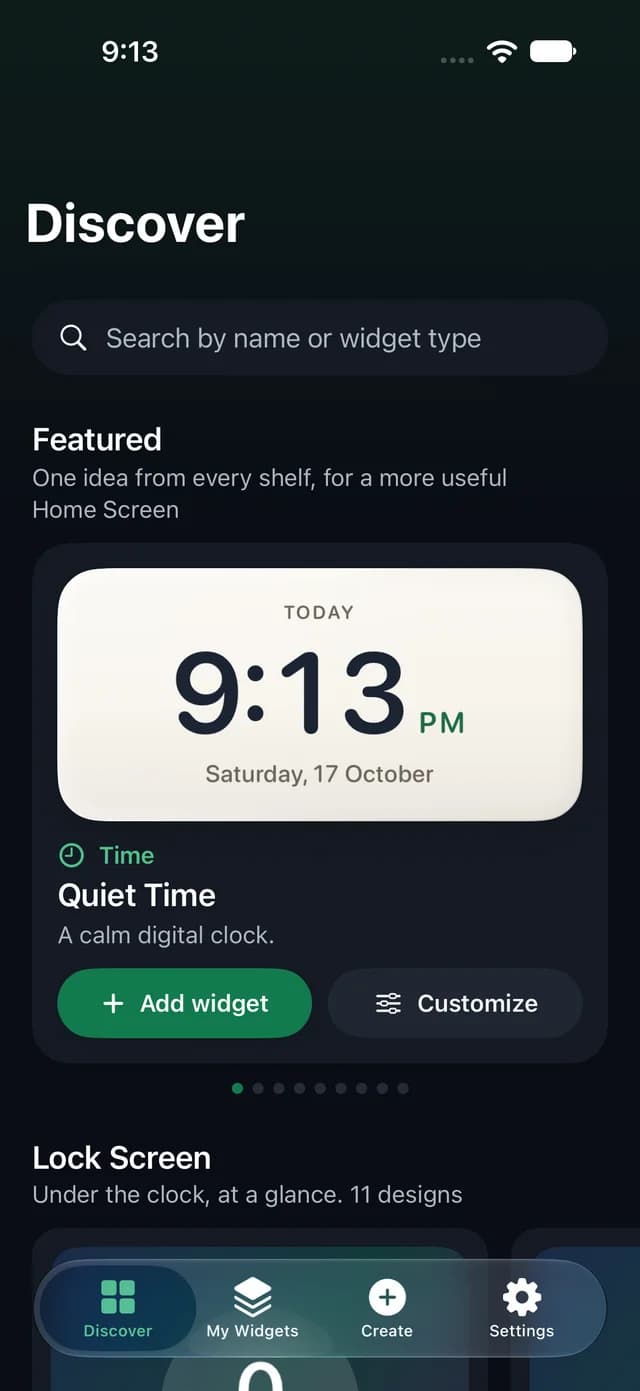
Design Home Screen and Lock Screen widgets in a few steps, then tap them to log a habit or count a glass of water.
READ
54 days
6
amicable
Friendly and without serious disagreement.
These widgets work. Tap the check and the plus.
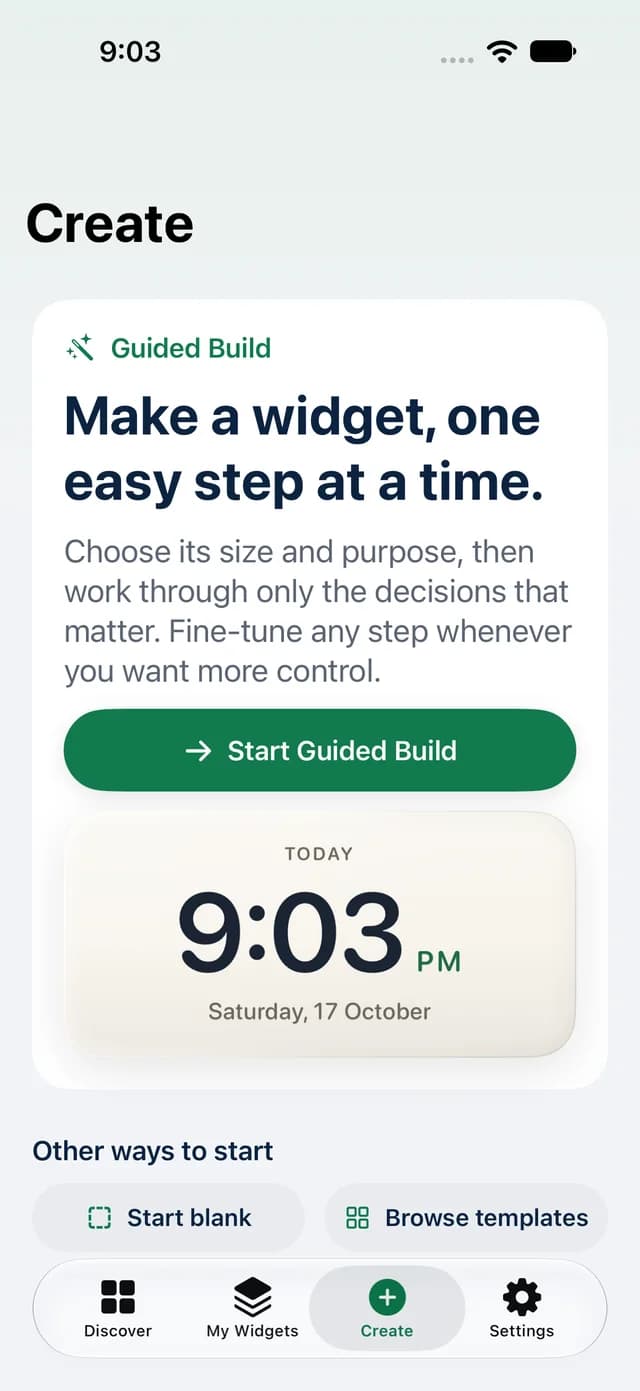
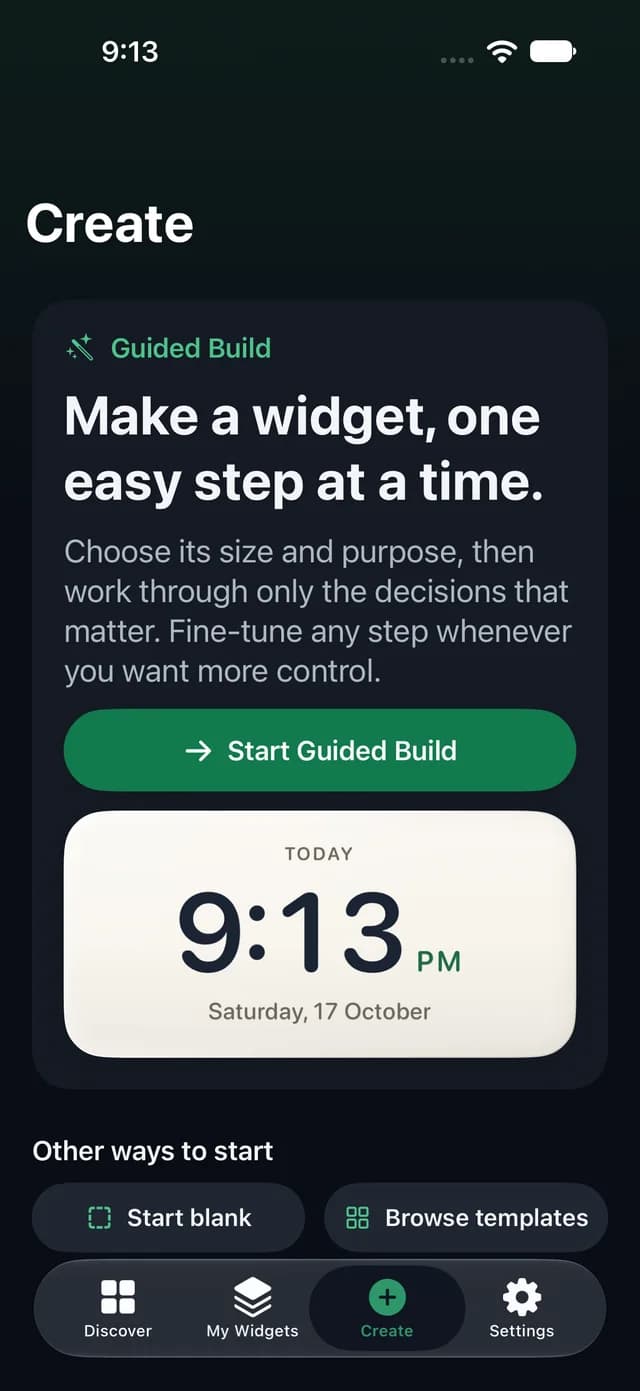
Pick a size and what it should do. WidgetFold asks only the questions that matter, and you can fine-tune any of it later.
The Home Screen or the Lock Screen, then small, medium, or large. WidgetFold asks only the questions that matter.
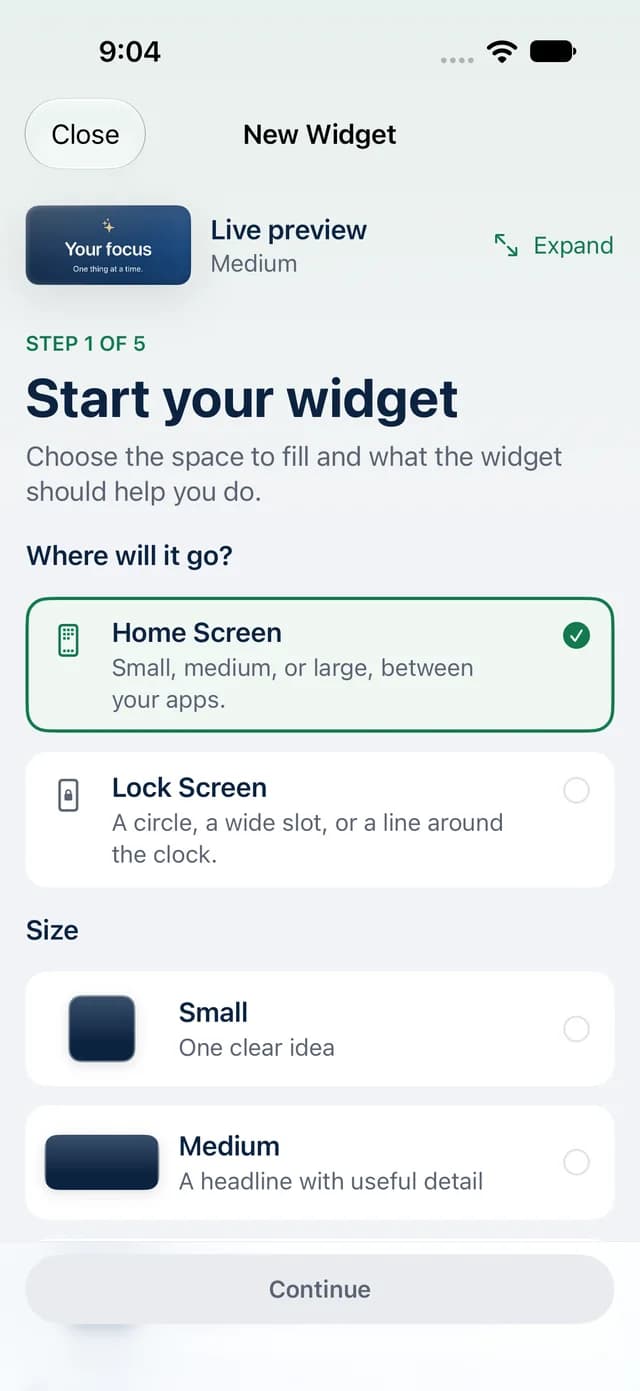
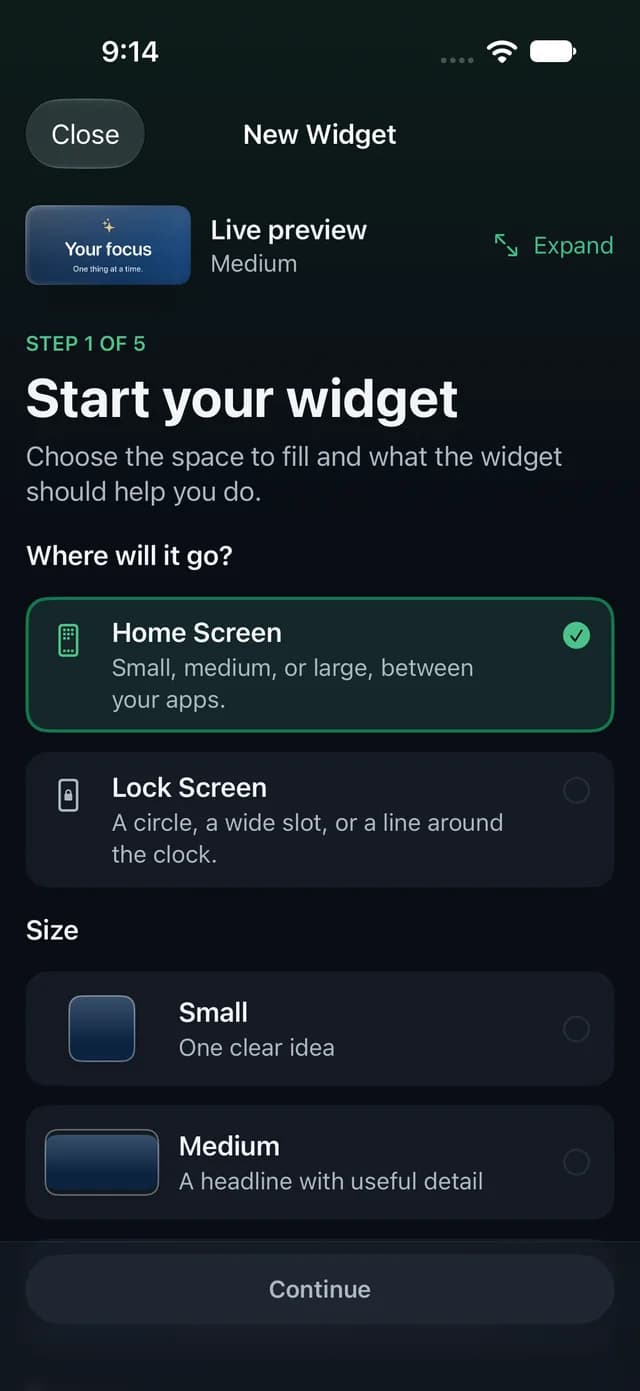
Each purpose has strong starting points. Pick one; every detail can change later.
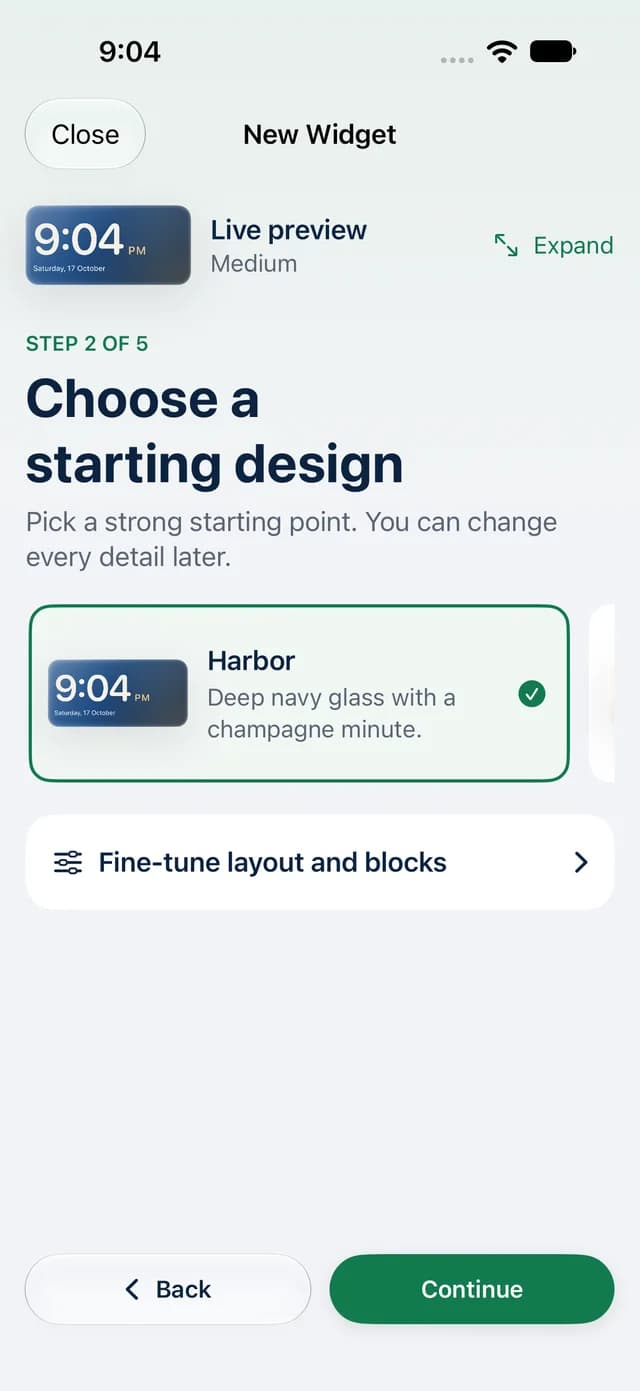
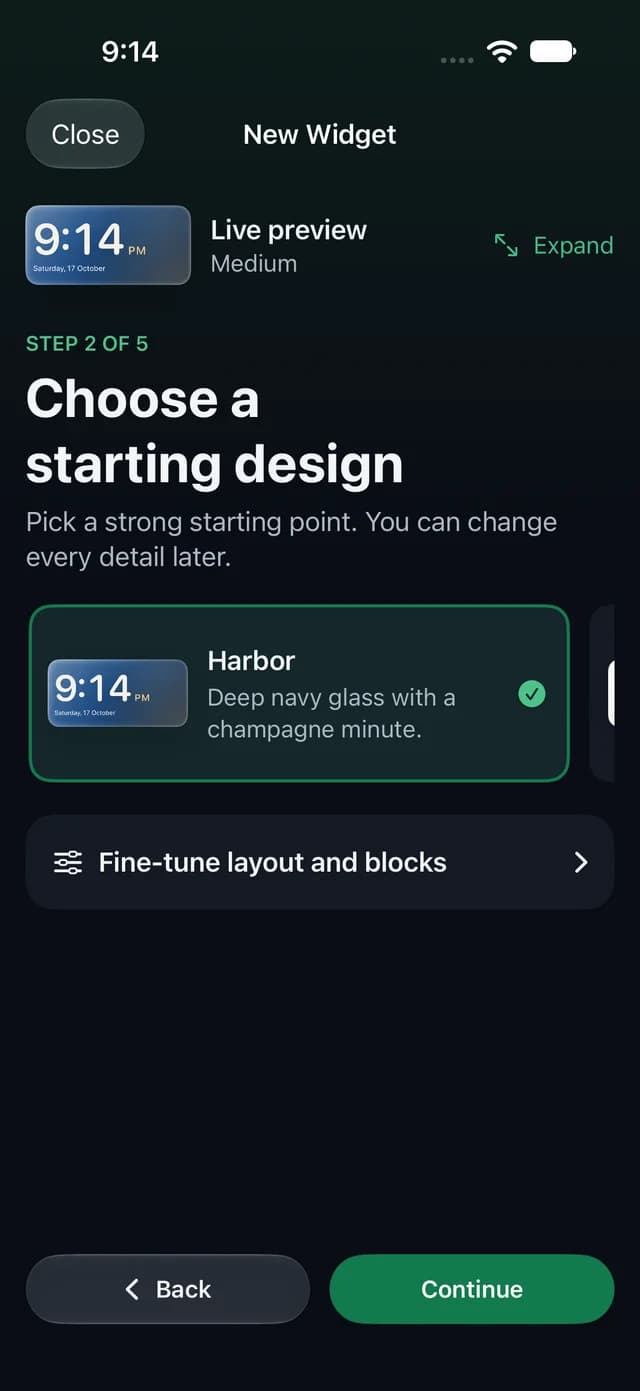
A solid, gradient, glass, photo, or editorial background, with colors that are chosen to work together.
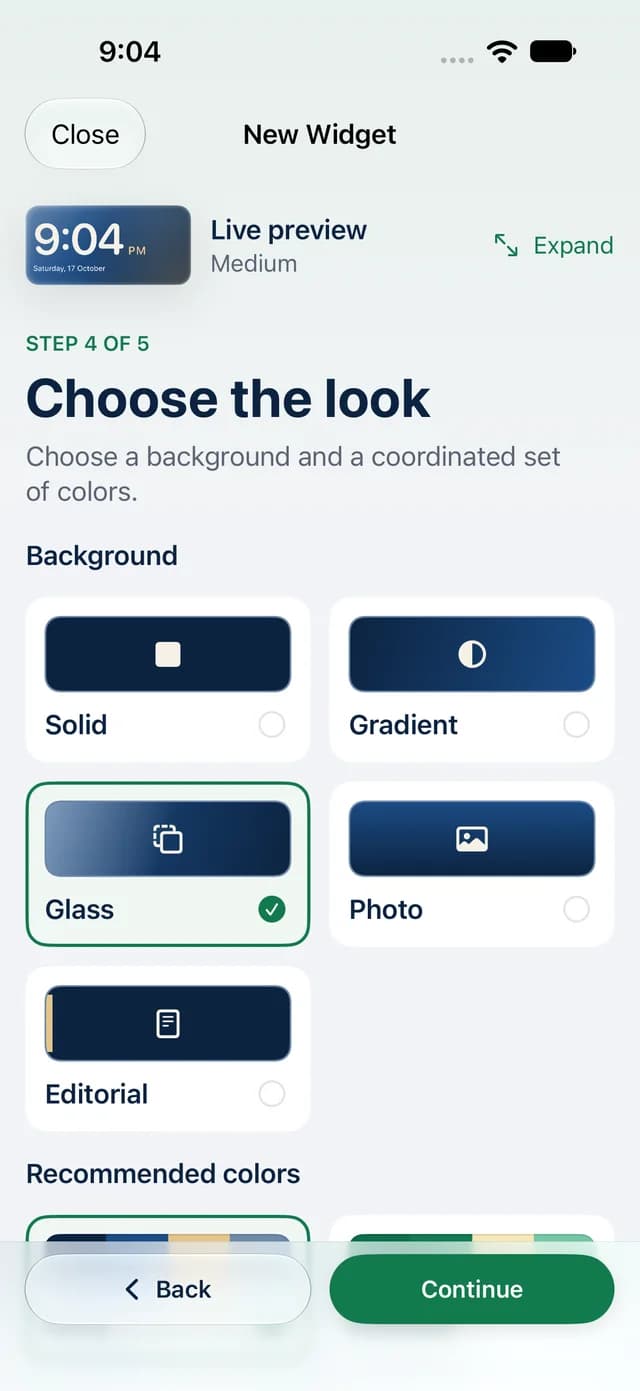
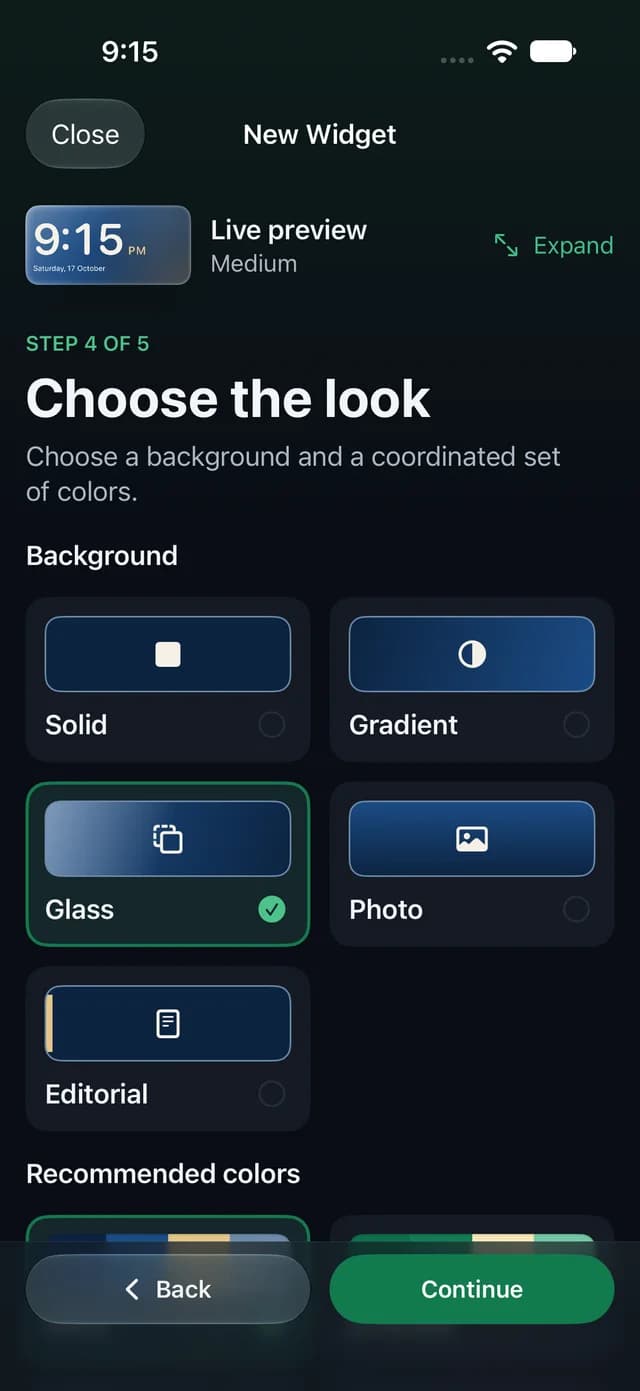
WidgetFold saves it and walks you through placing it, in three short steps.
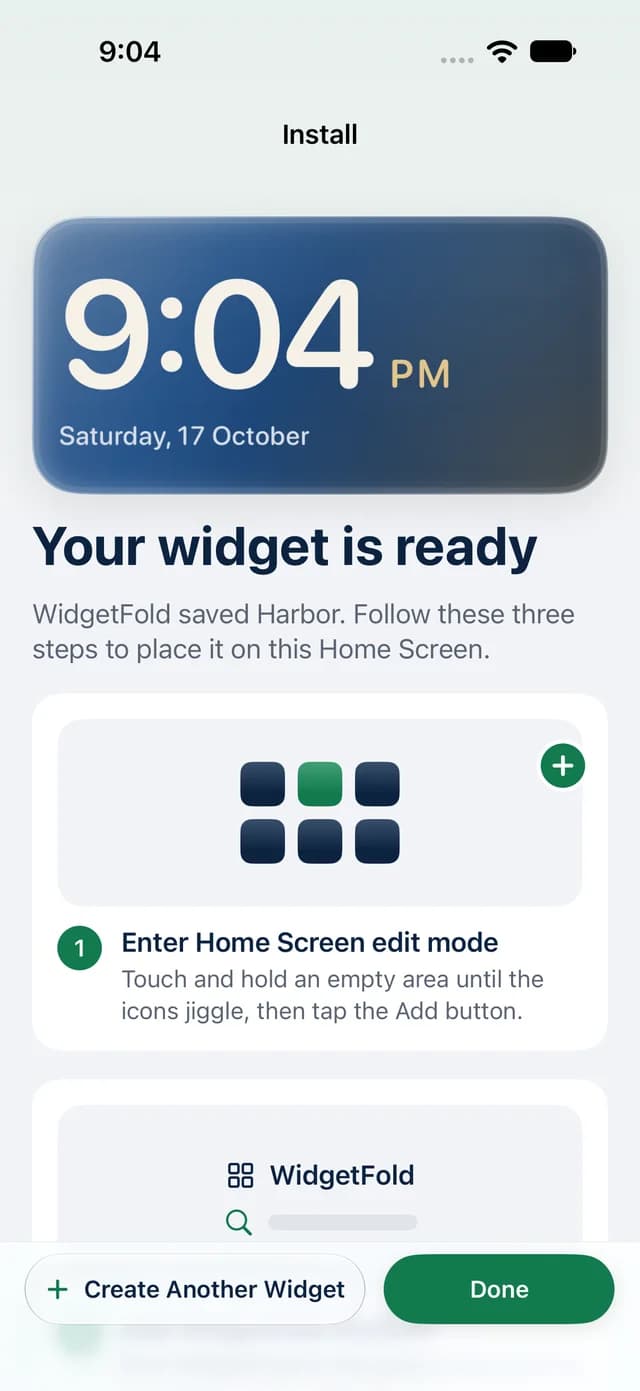
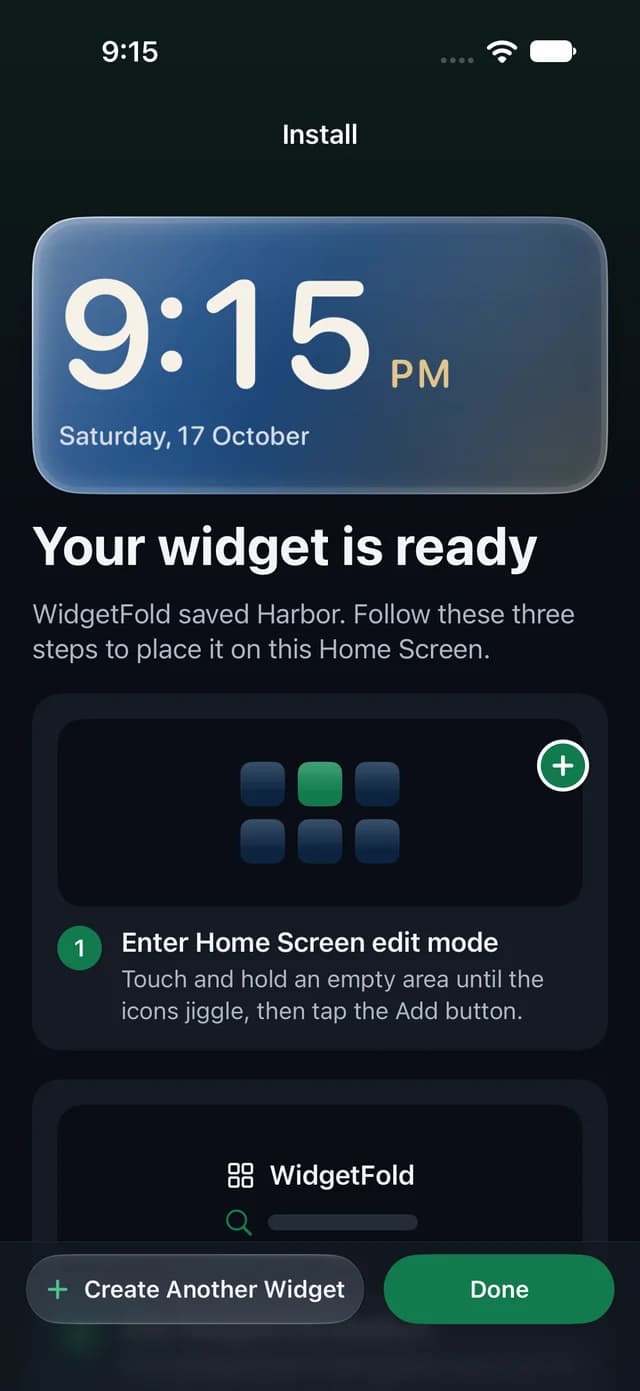
Less fiddling, more useful. Your widgets do something, without opening the app.
Log a habit, count a glass of water, start a focus timer, tick a task, or flip a flashcard, right on the Home Screen.
6
READ
54 days
Kept current by iOS, read on your device.
Clocks, countdowns, notes, photos, quotes, and a word to learn.
amicable
Friendly and without serious disagreement.

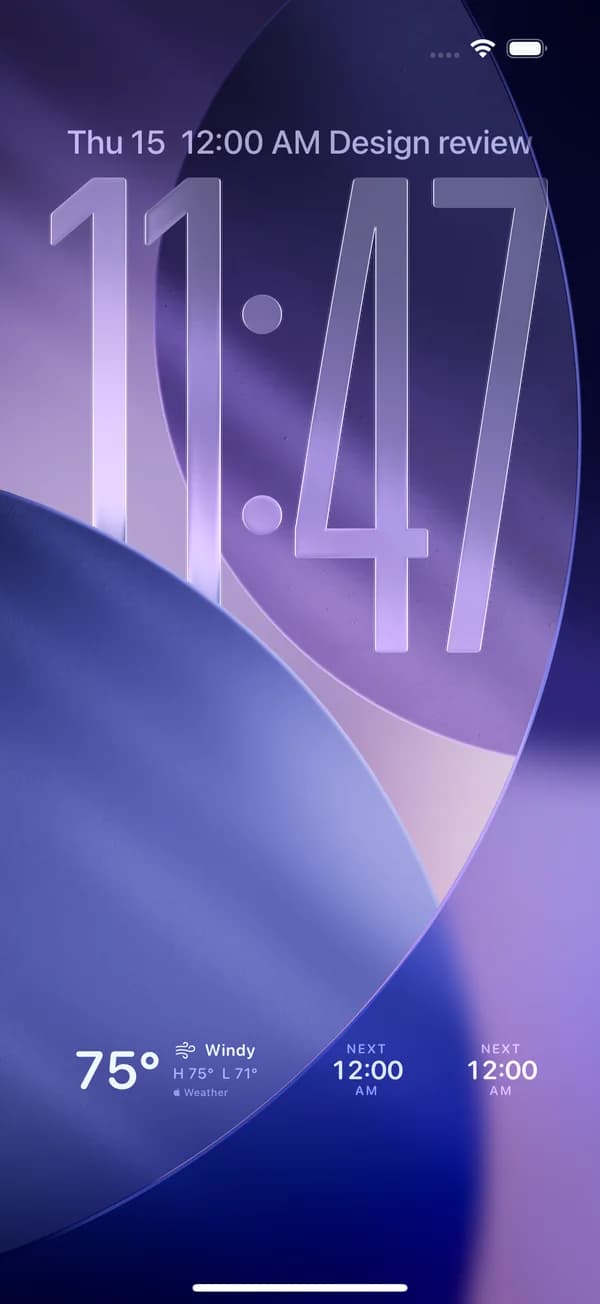
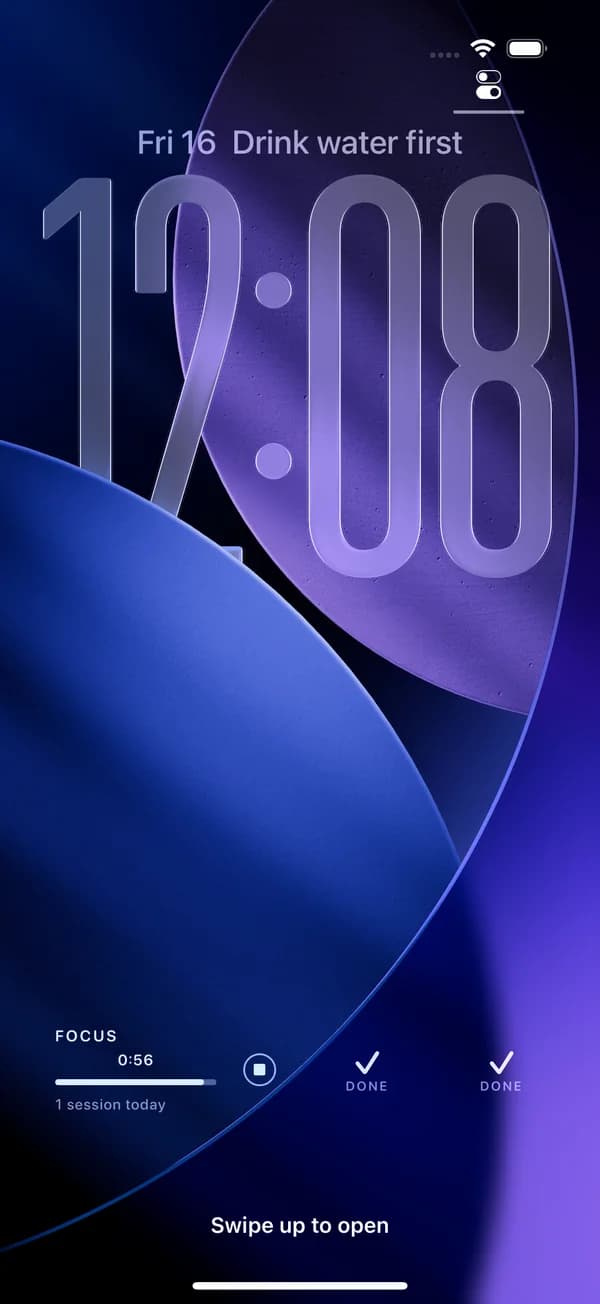
Circles, a wide slot, or a line above the clock, drawn the way iOS draws them. Tap the habit circle to log today without unlocking, and it’s the same streak on your Home Screen.
Eleven designs: habits, focus, sleep, steps, the moon, your next event, weather, a countdown, birthdays, the year so far, and a note.
Your designs stay on your device and in your own iCloud.
Read the privacy policyPro unlocks the rest. Every plan has the same features, and if you stop paying, your designs stay.
$29.99a year
Starts with a 7-day free trial, then $29.99 a year. That's $2.50 a month.
Subscribe in the app. Payment is charged to your Apple Account and renews automatically unless you cancel at least 24 hours before the period ends. Prices are in US dollars; the App Store shows yours before you confirm.
It isn't on the App Store yet. It's coming soon for iPhone, iPad, and Mac.
iPhone with iOS 18 or later, iPad with iPadOS 18 or later, and Mac with macOS 15 or later.
Your first widget, which stays free and editable for as long as you keep the app. Pro unlocks unlimited widgets, every design, and iCloud sync.
Nothing is deleted. Your designs stay on your device, the widgets already on your screens keep working, and your first widget stays editable.
In your Apple Account settings, under Subscriptions. Pro stays on until the end of the period you paid for.
No. There's nothing to sign up for. Purchases belong to your Apple Account, and your designs to your device and your own iCloud.
A bug, a billing question, or a widget you wish existed. A person reads every email.
Email admin@auronx.netWidgetFold is coming soon to the App Store.